

Client onboarding is no longer just about welcome emails and kickoff calls. In 2026, businesses that win are those that deliver fast, consistent, and friction-free onboarding experiences from day one. That’s where the best client onboarding software comes in. Whether you’re a SaaS company, agency, consultancy, or service business, the right onboarding tool can help you automate workflows, align internal teams, impress clients, and reduce churn.
In this guide, we compare the 10 best client onboarding software for businesses in 2026, covering features, pricing, pros, cons, and ideal use cases – so you can confidently choose the best software for onboarding clients based on your needs.
What Is Client Onboarding Software?
Client onboarding software helps businesses standardize, automate, and manage the entire process of bringing new clients onboard. Instead of relying on scattered emails, spreadsheets, and manual follow-ups, it centralizes onboarding into structured workflows that guide both internal teams and clients step by step. With built-in task tracking, collaboration tools, and real-time visibility, teams can automate onboarding checklists, securely collect required documents and information, manage kickoff steps and milestones, and maintain clear, consistent communication throughout the onboarding journey. The result is a faster, more transparent onboarding experience that improves client satisfaction and reduces early churn.
Quick Comparison: Best Client Onboarding Software in 2026
| Software | Best For | Onboarding Type | Key Features | Ease of Setup |
| Rocketlane | Complex, multi-team onboarding | Workflow + project-based | Templates, client portal, automation, analytics | Medium |
| OnRamp | CS-led onboarding | Personalized success plans | Milestones, CRM sync, automation rules | Medium |
| Userpilot | SaaS product onboarding | In-app onboarding | Walkthroughs, UI patterns, analytics | Easy |
| GuideCX | Timeline-driven onboarding | Project onboarding | Visual timelines, task dependencies | Medium |
| Dock | Agencies & services | Client workspace | Checklists, docs, collaboration | Easy |
| Appcues | Product-led growth | In-app onboarding | No-code flows, user targeting | Easy |
| Whatfix | Enterprise onboarding | Digital adoption | AI guidance, cross-app flows | Hard |
| Intercom | Support-led onboarding | Messaging-based onboarding | Bots, live chat, automation | Easy |
| Chameleon | Advanced SaaS UX teams | UI-level onboarding | Custom tooltips, tours, modals | Medium |
| ClickUp | Budget-conscious teams | DIY onboarding | Tasks, automations, templates | Medium |
Rocketlane
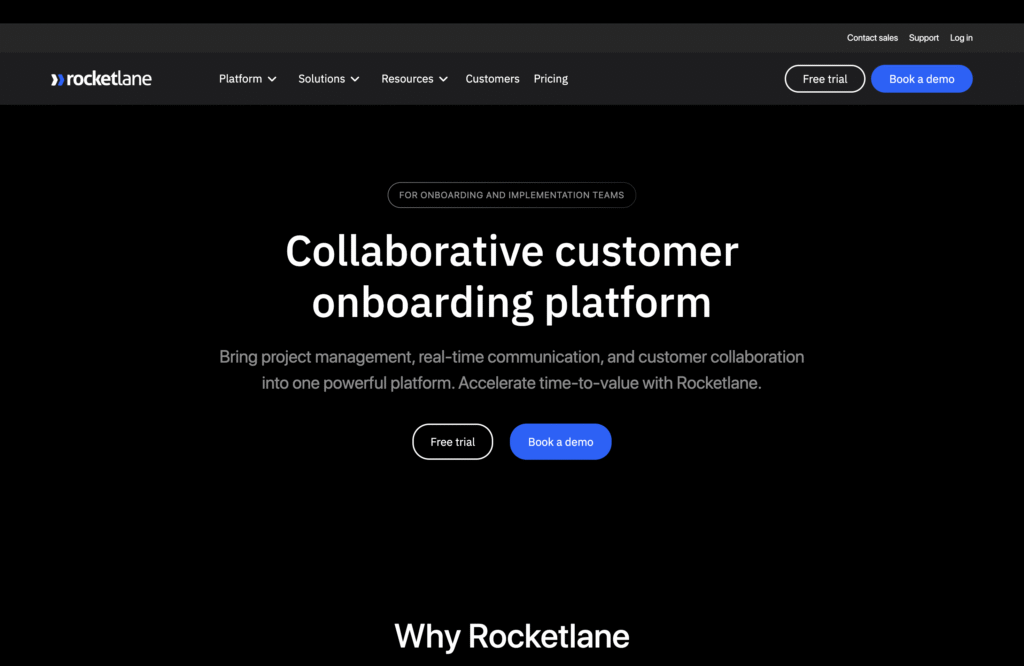
Rocketlane is purpose-built for businesses where client onboarding is complex, time-bound, and involves multiple internal teams and client stakeholders. Unlike generic project management tools, Rocketlane is designed specifically to manage post-sale onboarding journeys, making it a consistent leader in “best client onboarding software” comparisons.
It helps teams replace ad-hoc emails and spreadsheets with standardized onboarding templates, automated task ownership, and shared client visibility. This is especially valuable for SaaS companies and service businesses that need predictable onboarding timelines and accountability at scale. Rocketlane is one of the best client onboarding software options for businesses with complex onboarding processes. If your onboarding involves multiple handoffs, deadlines, and stakeholders – and retention depends on a strong first experience – Rocketlane is worth the investment.
Key Features
- Pre-built onboarding templates that standardize repeatable client setups
- Automated task assignments and dependency-based workflows
- Client-facing project views that improve transparency and reduce follow-ups
- Time tracking and workload management for internal resource planning
- Advanced onboarding analytics to identify bottlenecks and delays
Pros
- Highly structured onboarding flows that reduce chaos and missed steps
- Excellent visibility for both internal teams and clients
- Built exclusively for onboarding, not retrofitted from project management
Cons
- Initial setup and learning curve can be steep for smaller teams
- Premium pricing may not suit early-stage or budget-conscious businesses
OnRamp
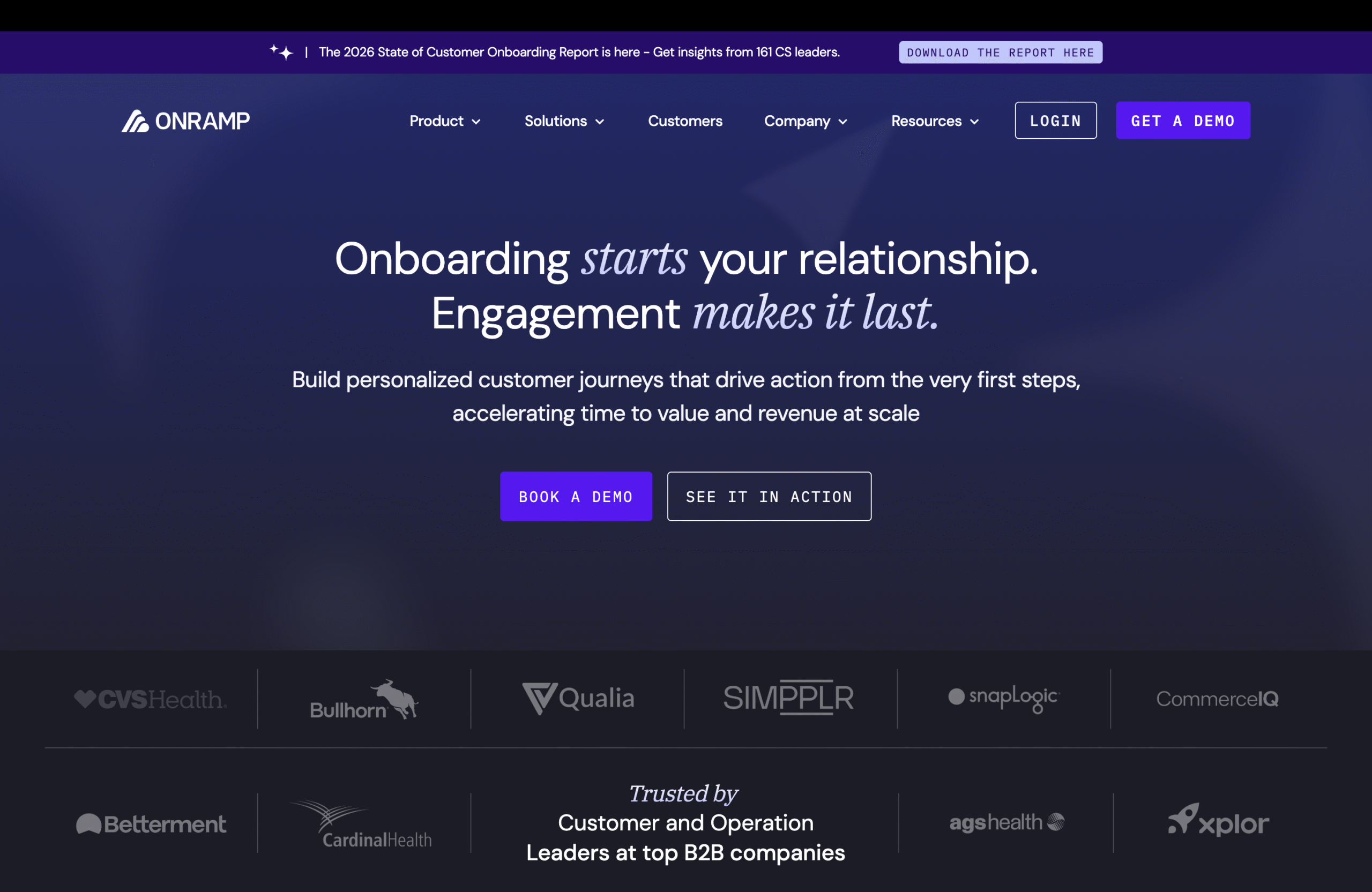
OnRamp is built for SaaS teams that view onboarding as the foundation of long-term customer success, not just a one-time setup phase. Instead of focusing only on tasks and timelines, OnRamp helps teams design personalized onboarding journeys that align product adoption, customer milestones, and long-term outcomes.
The platform is especially valuable for customer success teams managing high-value accounts where onboarding must adapt based on customer goals, usage signals, and lifecycle stage. By connecting onboarding progress with customer health data, OnRamp ensures that onboarding directly contributes to retention and expansion.
Key Features
- Dynamic onboarding plans that adjust based on customer needs and progress
- Milestone-based onboarding tied to customer outcomes and success metrics
- Native integrations with CRM and customer success platforms
- Automation rules to reduce manual follow-ups and status updates
Pros
- Deep customization for different customer segments and use cases
- Strong alignment between onboarding, adoption, and retention
- Robust reporting and visibility into onboarding performance
Cons
- Overkill for businesses with simple or low-touch onboarding flows
- Requires a mature CS process to unlock full value
Userpilot
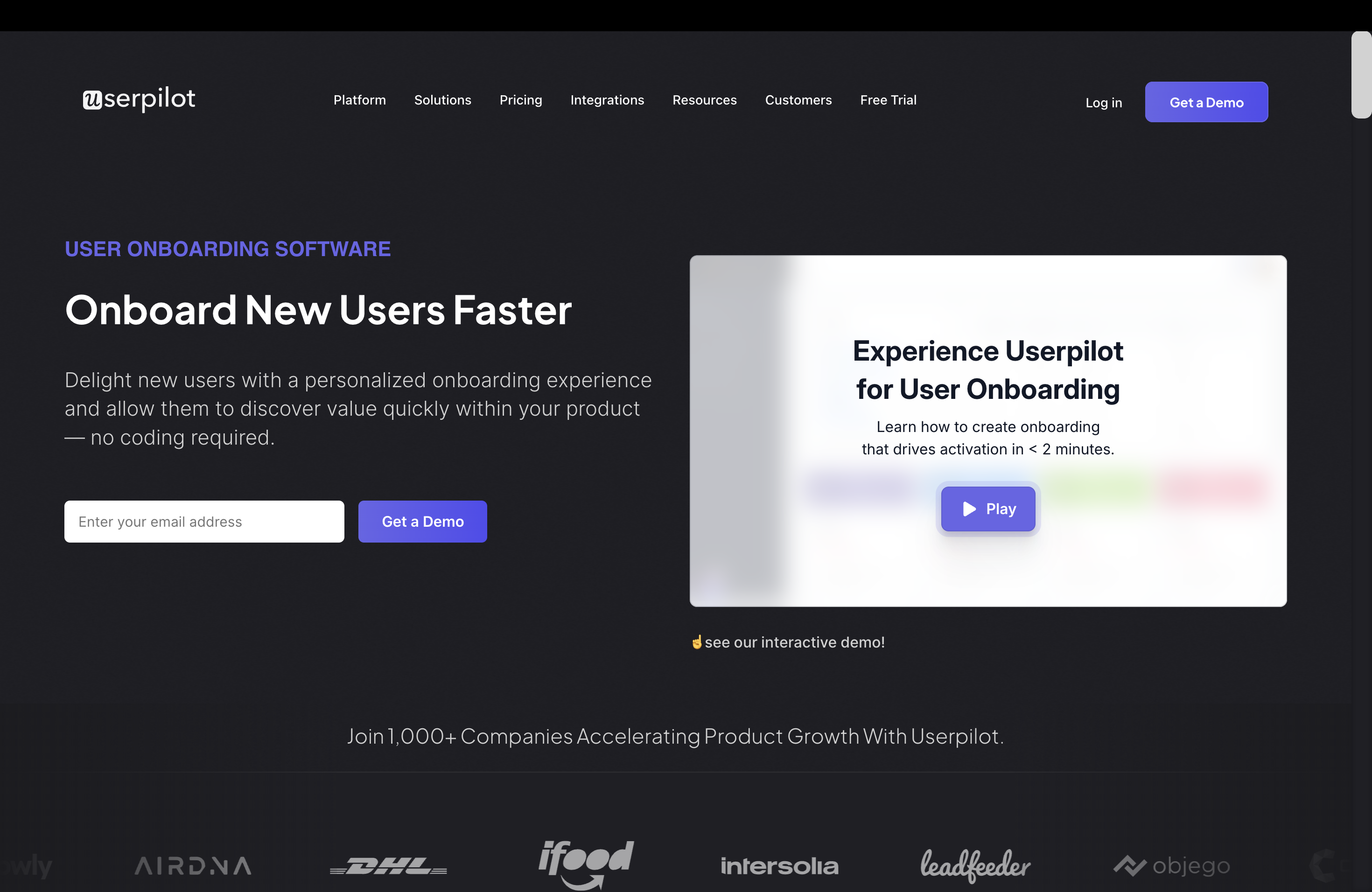
Userpilot is designed for SaaS businesses where onboarding happens inside the product experience, not through external checklists or manual hand-holding. Instead of managing onboarding tasks, it focuses on guiding users to their first “aha moment” using contextual, in-app experiences.
This makes Userpilot especially effective for product-led growth teams that need to improve activation, feature adoption, and time-to-value without relying on engineering resources. Userpilot is one of the best software for onboarding clients inside a SaaS product. If your growth depends on users discovering value on their own, Userpilot is a strong choice – but it’s not meant for agency or service onboarding workflows.
Key Features
- Interactive in-app tours and walkthroughs that guide users step by step
- Feature adoption and usage tracking to identify drop-off points
- No-code UI patterns such as tooltips, modals, banners, and checklists
- User segmentation to deliver personalized onboarding flows based on behavior
Pros
- Significantly improves activation and early product adoption
- Strong UX focus with minimal setup time
- No engineering dependency for most onboarding experiments
Cons
- Not suitable for service-based or high-touch client onboarding
- Limited use outside product-led SaaS onboarding scenarios
GuideCX
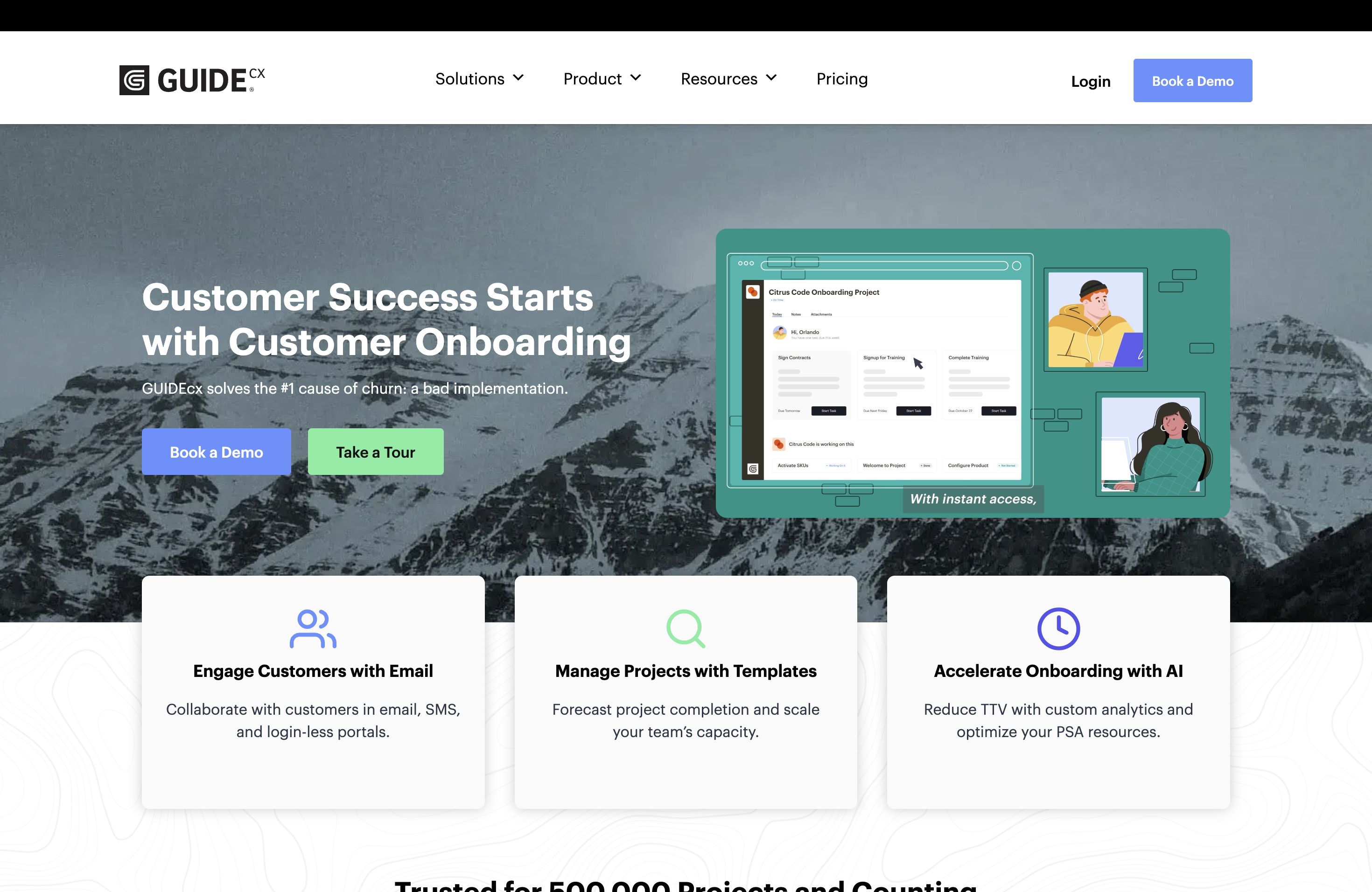
GuideCX is built for onboarding processes that function like structured projects, where success depends on clear timelines, dependencies, and shared accountability between internal teams and clients. It answers a critical onboarding question many businesses struggle with: who is responsible for what, and by when?
This makes GuideCX particularly effective for agencies and implementation teams handling multi-step client setups, integrations, or rollouts that must stay on schedule to avoid revenue delays and customer frustration. GuideCX is a strong choice if your onboarding feels like a delivery project with deadlines and dependencies. It’s especially valuable for agencies and implementation teams that need predictable onboarding timelines and clear client accountability – but it’s not designed for long-term customer lifecycle management.
Key Features
- Visual onboarding timelines that clearly map every step of the process
- Separate task views for internal teams and clients to prevent confusion
- Dependency management to ensure tasks happen in the correct sequence
- Real-time progress tracking to identify delays and bottlenecks early
Pros
- Outstanding visibility for both clients and internal stakeholders
- Significantly reduces status update emails and follow-ups
Cons
- Limited functionality beyond onboarding and implementation workflows
- Not ideal for ongoing customer success or product-led onboarding
Dock
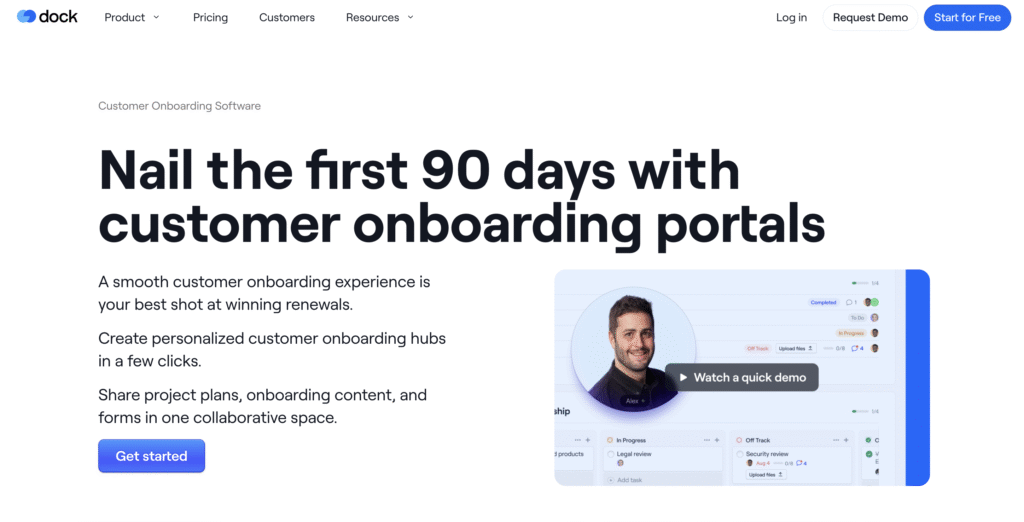
Dock is designed for teams that want to deliver a polished, organized onboarding experience without introducing complexity. Instead of managing onboarding through long email threads and scattered document requests, Dock gives you a shared client workspace where everything lives in one place.
This makes Dock especially effective for service-based businesses that prioritize client experience and clarity over heavy automation. If your onboarding process is repeatable but not highly complex, Dock helps you look professional and stay organized with minimal setup. Dock is one of the best software for onboarding clients in service-based businesses that value simplicity and client experience. If you want a clean, client-friendly onboarding portal without the overhead of enterprise tools, Dock is a strong and cost-effective choice.
Key Features
- Branded client portals that create a professional first impression
- Simple onboarding checklists and task tracking for clarity
- Secure file sharing and document collection
- Lightweight automation to reduce manual follow-ups
Pros
- Extremely easy to set up and maintain
- Clients adopt it quickly with little to no training
- Affordable pricing for small and growing teams
Cons
- Limited advanced automation and analytics
- Not ideal for complex, multi-team onboarding workflows
Appcues
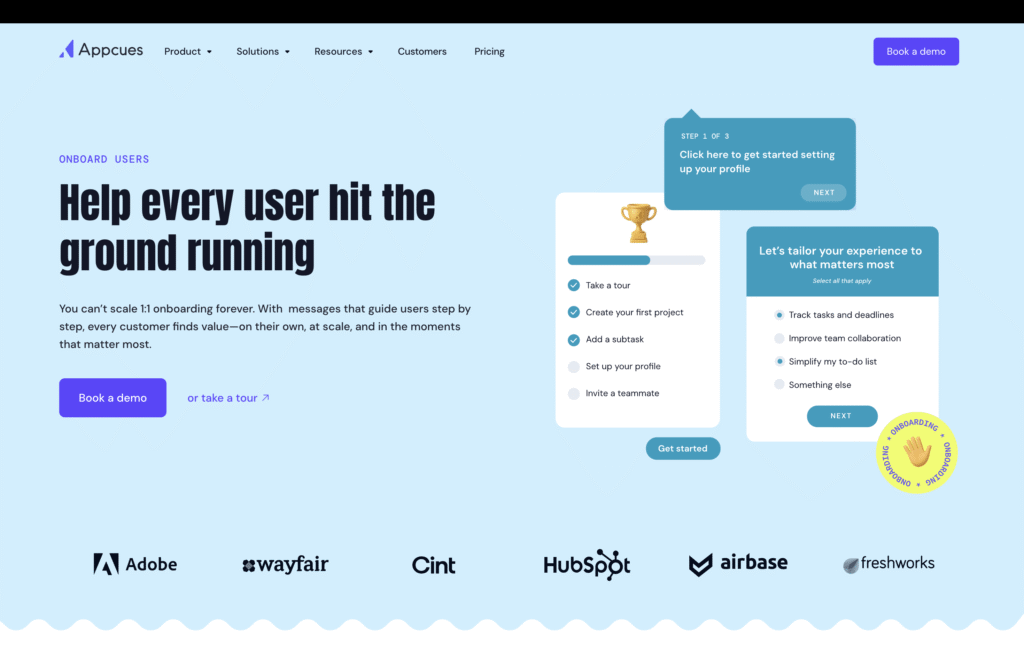
Appcues is designed for SaaS teams that want to build and iterate on in-app onboarding experiences without relying on engineering resources. It allows non-technical teams to create guided product tours, onboarding flows, feature announcements, and contextual prompts that help users reach value faster.
Appcues is especially effective for teams running frequent onboarding experiments, launching new features, or optimizing activation and adoption across different user segments. Appcues is a strong choice for SaaS teams looking to improve activation and adoption through no-code, in-app onboarding. If your onboarding success depends on product usage rather than manual setup or services, Appcues delivers solid value.
Key Features
- No-code builder for in-app tours, modals, and tooltips
- User segmentation for personalized onboarding flows
- Feature announcements and onboarding checklists
- Analytics to measure activation and engagement
Pros
- Enables rapid onboarding experiments without engineering support
- Strong focus on activation and feature adoption
- Easy to iterate and optimize onboarding flows
Cons
- Limited usefulness outside product-led SaaS onboarding
- Less suitable for service-based or high-touch onboarding processes
Whatfix
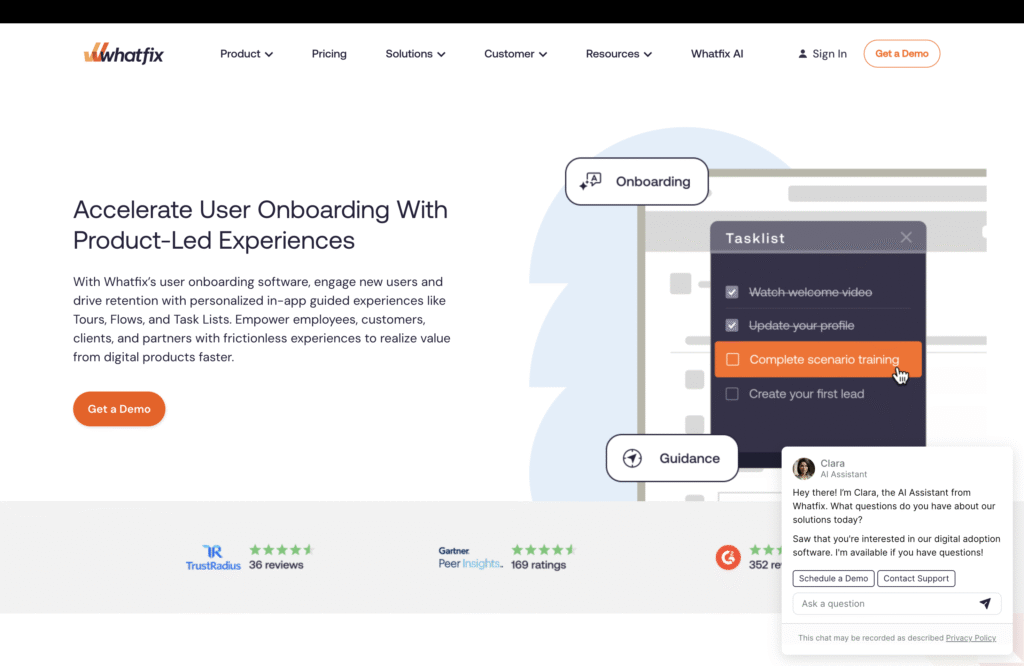
Whatfix is a digital adoption platform designed for enterprises that need to onboard users across complex systems, tools, and processes. Instead of focusing on a single product or client workflow, Whatfix provides AI-powered, in-context guidance that helps users learn and complete tasks across multiple applications.
This makes it especially valuable for large SaaS platforms, enterprises, and global organizations where onboarding involves training users, customers, or employees on sophisticated software ecosystems rather than simple step-by-step setups. Whatfix is one of the best client onboarding software options for enterprises managing complex systems at scale. If your onboarding challenge is teaching users how to operate sophisticated software across multiple platforms, Whatfix delivers depth that simpler tools cannot.
Key Features
- AI-driven, in-app guidance that adapts to user behavior
- Cross-application onboarding for complex workflows
- Contextual tooltips, walkthroughs, and task assistance
- Analytics to measure adoption, completion, and friction points
Pros
- Handles large-scale, complex onboarding environments
- Reduces training costs and support dependency
- Works across multiple tools and systems
Cons
- Overkill for small teams or simple onboarding needs
- Enterprise pricing and implementation complexity
Intercom
Intercom is not a dedicated client onboarding platform, but it plays a critical role in onboarding experiences that rely heavily on real-time communication and support. It enables teams to guide new clients through onboarding using live chat, automated messages, and AI-powered bots at key moments.
Intercom works best when onboarding involves answering questions, resolving friction points quickly, and proactively nudging users toward setup completion – rather than managing structured workflows or timelines. Intercom is a strong complement to client onboarding, especially for support-led or communication-heavy onboarding flows. While it’s not a standalone onboarding solution, it works well alongside other tools to improve responsiveness and client experience.
Key Features
- Live chat for real-time onboarding support
- Automated onboarding messages and follow-ups
- AI-powered bots to answer common setup questions
- Customer segmentation for targeted onboarding communication
Pros
- Reduces onboarding friction through instant support
- Easy to deploy and widely adopted
- Strong automation and messaging capabilities
Cons
- Not designed for task-based or project-style onboarding
- Limited visibility into onboarding progress and milestones
Chameleon
Chameleon is built for teams that want precise control over how onboarding experiences look and behave inside their product. Unlike fully no-code tools, Chameleon offers deeper customization at the UI level, making it a strong choice for SaaS companies with dedicated product and development resources.
It’s particularly useful when onboarding needs to align closely with brand design, product interactions, and advanced user flows – without feeling generic or templated. Chameleon is a strong choice for SaaS teams that prioritize custom-designed onboarding experiences and have the technical resources to support them. If UX consistency and control matter more than speed of setup, Chameleon stands out among in-app onboarding tools.
Key Features
- Highly customizable in-app tooltips, tours, and modals
- Advanced UI targeting based on user behavior and product state
- CSS and JavaScript customization for precise design control
- Feature adoption tracking and engagement analytics
Pros
- Greater design and UI flexibility than no-code onboarding tools
- Seamless integration with existing product UX
- Ideal for advanced onboarding use cases
Cons
- Requires developer involvement for full customization
- Less suitable for non-technical or lean teams
ClickUp
ClickUp is not purpose-built for client onboarding, but its flexibility makes it a popular option for teams that want to build onboarding workflows themselves without investing in specialized software. Using tasks, templates, automations, and dashboards, teams can create repeatable onboarding processes at a relatively low cost.
This approach works best for businesses with simple onboarding needs and limited budgets, where internal teams are comfortable configuring and maintaining their own workflows. ClickUp is the best budget option if you’re willing to trade purpose-built onboarding features for flexibility and cost savings. For small teams just getting started, it can work well – but growing businesses will eventually outgrow it in favor of dedicated client onboarding software.
Key Features
- Custom task templates for repeatable onboarding steps
- Automations for task assignment and status updates
- Dashboards to track onboarding progress
- Integrations with common business tools
Pros
- Affordable compared to dedicated onboarding platforms
- Highly flexible and customizable
- Works well for internal and client-facing workflows
Cons
- Requires manual setup and ongoing maintenance
- No native client onboarding features or portals
- Less polished client experience
How to Choose the Best Client Onboarding Software
Choosing the best client onboarding software isn’t about picking the most popular tool – it’s about selecting a platform that fits how your business onboards clients today and how it plans to scale tomorrow. The wrong choice can add complexity, while the right one can reduce churn, speed up time-to-value, and improve client satisfaction.
Here are the most important factors to consider before making a decision.
1. Understand Your Onboarding Model
Start by identifying how onboarding happens in your business. If onboarding is high-touch and involves kickoff calls, document collection, and multiple stakeholders, you’ll need workflow-driven onboarding software. If onboarding happens primarily inside your product, in-app onboarding tools will deliver more value. Agencies and service businesses typically need client portals, while SaaS companies often need product adoption and activation tracking.
Choosing software that doesn’t match your onboarding model is the most common mistake businesses make.
2. Prioritize Client Visibility and Experience
The best client onboarding software for businesses improves not just internal efficiency, but also the client’s experience. Look for tools that give clients clear visibility into what’s happening next, what’s required from them, and when onboarding will be complete.
Features like client portals, shared timelines, or contextual in-app guidance reduce confusion, minimize follow-ups, and build trust early in the relationship.
3. Evaluate Automation vs Flexibility
Automation is valuable – but only when it fits your process. Some businesses need rigid, standardized onboarding flows, while others need flexibility to adapt onboarding based on client size or use case.
Ask whether the software allows you to automate repetitive steps like task assignments and follow-ups without locking you into a single rigid workflow. The best software for onboarding clients balances automation with customization.
4. Check Integrations With Your Existing Stack
Client onboarding doesn’t exist in isolation. It usually touches your CRM, customer success tools, support software, and sometimes billing or project management systems.
Make sure the onboarding software integrates cleanly with the tools you already use. Strong integrations reduce manual work, improve data consistency, and help onboarding align with sales and customer success workflows.
5. Consider Reporting and Accountability
As your business grows, onboarding performance becomes a metric – not just a process. The best client onboarding software provides visibility into onboarding timelines, bottlenecks, completion rates, and client progress.
This helps teams identify where onboarding slows down, which steps cause friction, and how onboarding impacts retention and expansion.
6. Match Pricing to Business Stage
Finally, choose a tool that fits your current stage of growth. Early-stage teams may benefit from flexible, budget-friendly tools, while growing and enterprise businesses often need purpose-built onboarding platforms with deeper analytics and automation.
Avoid overpaying for complexity you don’t need today – but also avoid tools you’ll outgrow within months.
Client Onboarding Software Use Cases
Client onboarding looks very different depending on your business model, team size, and customer expectations. The best client onboarding software for businesses is the one that aligns with how you deliver value – not just how you manage tasks. Below is a clear breakdown to help you choose the right type of onboarding software based on your use case.
For SMBs & Service Businesses
Small and mid-sized service businesses typically need onboarding software that brings clarity, professionalism, and organization without adding complexity. Onboarding often includes document collection, kickoff steps, approvals, and ongoing communication with clients who expect a guided, human-led experience.
For this group, the most valuable onboarding tools are those that provide client portals, simple checklists, and centralized communication. Ease of use is critical both for internal teams and clients because adoption friction can quickly derail onboarding.
Best-fit tools usually focus on: Client visibility, document collection, basic automation, and affordability.
Common outcomes: Faster onboarding, fewer follow-ups, better first impressions, and improved client satisfaction.
For SaaS Platforms
SaaS onboarding is fundamentally about time-to-value. Whether the product is self-serve or sales-led, success depends on helping users understand the product quickly and adopt key features early.
For SaaS companies, the best software for onboarding clients often lives inside the product itself. In-app guidance, product tours, usage-based triggers, and onboarding analytics play a much bigger role than traditional task lists.
Best-fit tools usually focus on: In-app onboarding, activation tracking, user segmentation, and feature adoption.
Common outcomes:Higher activation rates, improved retention, reduced support load, and scalable onboarding.
For Agencies & Professional Services
Agencies and professional services firms often deal with multi-step, timeline-driven onboarding that feels more like a delivery project than a simple setup. Onboarding may involve approvals, dependencies, integrations, and collaboration across multiple stakeholders on both sides.
These teams benefit most from onboarding software that provides clear timelines, accountability, and shared visibility. Clients should always know what’s happening next and what’s blocking progress.
Best-fit tools usually focus on: Timeline-based onboarding, task dependencies, role clarity, and client accountability.
Common outcomes: Predictable onboarding timelines, fewer delays, and improved project profitability.
For Enterprise & Large Teams
Enterprise onboarding is often the most complex, involving multiple systems, departments, regions, and user roles. Onboarding at this scale isn’t just about setup—it’s about training users to operate within sophisticated workflows and ensuring adoption across large organizations.
The best client onboarding software for enterprises emphasizes digital adoption, in-context guidance, analytics, and scalability. Automation and AI-driven insights become critical as manual onboarding simply doesn’t scale.
Best-fit tools usually focus on: Cross-application guidance, advanced analytics, security, and enterprise integrations.
Common outcomes: Lower training costs, faster adoption, consistent onboarding at scale, and reduced operational risk.
Conclusion
Client onboarding has become a defining moment in the customer journey, especially in 2026 when expectations around speed, clarity, and experience are higher than ever. The tools covered in this guide show that onboarding software now serves different goals – some drive product adoption, others enforce delivery timelines, and some focus on client experience or enterprise-scale enablement.
The key is to choose software that supports how your teams work and how your clients prefer to engage. When onboarding is well-structured and transparent, teams spend less time chasing updates, clients feel confident from day one, and value is delivered faster.
Investing in the right client onboarding software helps create consistency, reduces friction, and sets the foundation for long-term retention. In competitive markets, that first onboarding experience often determines whether a client stays, expands, or walks away.
FAQs
What is client onboarding software?
Client onboarding software helps businesses manage and automate the process of bringing new clients onboard. It centralizes tasks, communication, document collection, and progress tracking to ensure a smooth, consistent onboarding experience for both internal teams and clients.
Who should use client onboarding software?
Client onboarding software is useful for SaaS companies, agencies, consultancies, and service businesses that onboard new clients regularly. It’s especially valuable when onboarding involves multiple steps, stakeholders, or timelines that are hard to manage through emails or spreadsheets.
How is client onboarding software different from a CRM?
A CRM manages leads and ongoing customer relationships, while client onboarding software focuses on executing post-sale onboarding tasks. Onboarding tools handle workflows, timelines, and client setup, whereas CRMs store contact data and sales activity.
Do small businesses need client onboarding software?
Yes. Small businesses benefit from client onboarding software by reducing manual work, improving organization, and creating a professional first impression. Even simple onboarding tools can save time, prevent missed steps, and improve client satisfaction early in the relationship.
What features should I look for in client onboarding software?
Key features include onboarding workflows, task automation, client visibility, document collection, integrations with existing tools, and reporting. The best software balances ease of use with enough flexibility to adapt onboarding based on client type and business growth.